Before you start
Does everyone need to install an app?
No. FamilyManager runs natively on iPhone and iPad and as a web app in the browser. On Android, install the PWA directly from your browser.
Can I use FamilyManager on Android?
Yes, as a PWA (progressive web app). You install it straight from the browser. Your data stays in sync with the iOS app. A few features exist on one platform only, such as the family board in the browser.
How many family members can join?
As many as your family has, on Free and Premium alike: there is no member limit. Billing is per household, not per member: anyone in your household costs nothing extra.
What happens after the 14-day trial?
Nothing is charged automatically. Without a paid plan, your household continues with the free features.
What happens if I cancel Premium?
Nothing dramatic. You go back to Free and nothing is deleted. Most Premium areas stay readable, only creating new items and editing is paused. The pinboard, the family board and the credit account are not accessible without Premium, but their data stays stored and is back as soon as you reactivate. Reactivate anytime.
Do both households need Premium?
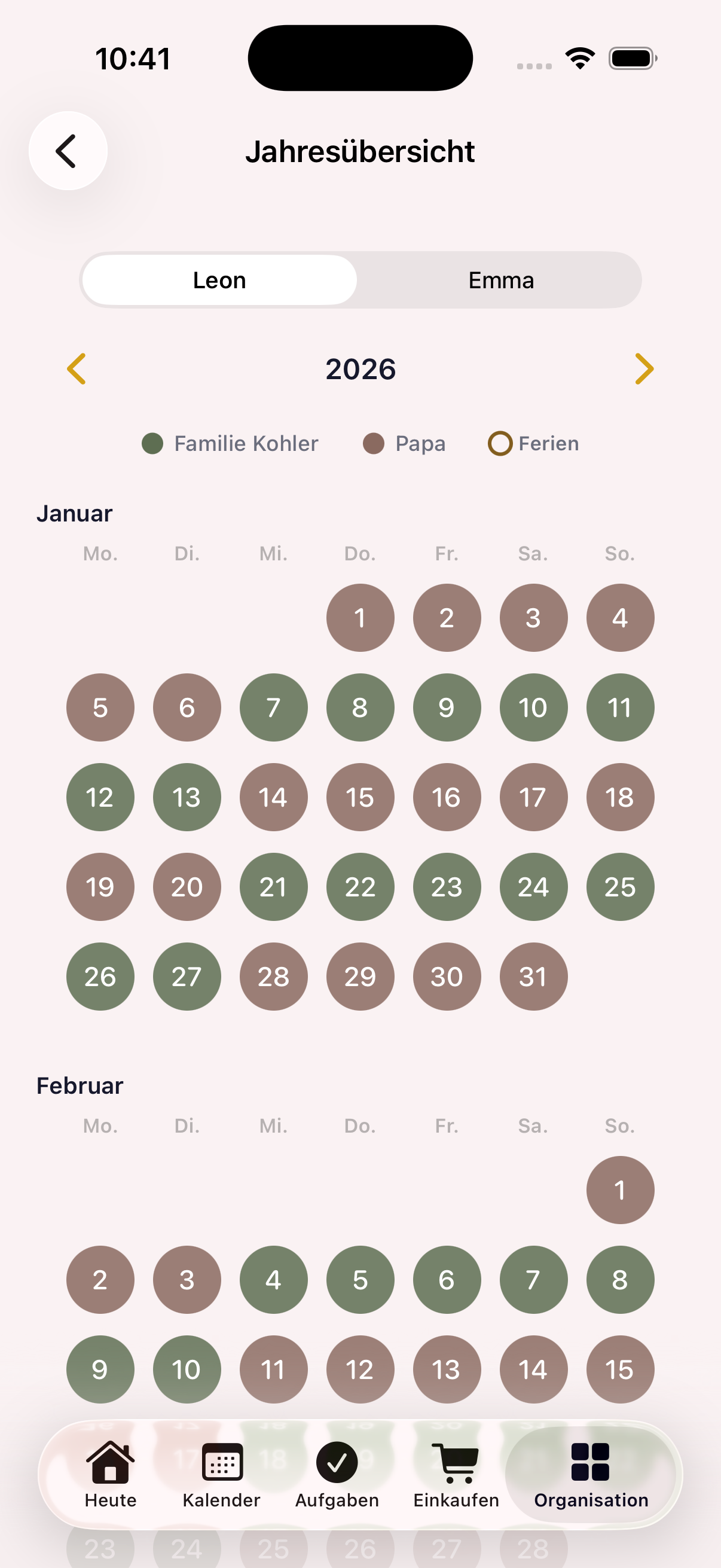
No. Premium is only needed by the household that runs the custody plan, meaning the one that creates custody days and enters holidays or swap requests. The other household sees the complete plan for free: custody days, handovers, appointments. Tasks, shopping and chat carry on there on the Free plan. A second Premium only makes sense if someone there also wants to actively write to the plan. For comparison: with the large US providers, each parent usually pays separately.
What if I want to stop?
Request your data export as a ZIP in the app and delete your account, both without a queue. The export contains your own entries: what you created, what is assigned to you or what concerns you. Encrypted content stays encrypted in it; download documents individually in the app beforehand.
What does end-to-end encrypted mean?
The text of your tasks, appointments, messages, notes and other areas is encrypted directly on your device before it reaches the server. On the server it exists only as ciphertext, and the key does not sit next to the data. If my database were stolen, those places would therefore hold nothing but unreadable ciphertext, with one exception: for subscribed calendar feeds the server decrypts the events itself. Not everything is encrypted, though: the answer to “Which data is encrypted, and which isn't?” lists exactly what is and what isn't.
Security and data
How exactly is my data end-to-end encrypted?
The encrypted content (the next answer lists which) is encrypted directly on your device with AES-256-GCM before it reaches the server, an established, globally recognised standard. The key is derived from your password (PBKDF2 with 600,000 rounds), and your password never leaves your device. Each household also has its own key, stored encrypted separately for every member. On the server, this content exists only as unreadable ciphertext.
Which data is encrypted, and which isn't?
Encrypted is the text content of most areas: for tasks the title and description, for appointments the title, description, location and drop-off and pick-up details, for shopping lists the items, for timetables subject, teacher, room and note, for expenses description, note and categories, for care entries title, amount and note, plus notes, the text of chat messages and handover notes. Fully encrypted are the document vault (including the files themselves), file attachments on appointments, the password vault and the children's profiles with blood type, allergies, medication and emergency contacts.
Not encrypted is, first, administrative data and details the app needs for sorting, reminders and accounting: your email address for login, names and birthdays of your household and members, profile pictures, date and time of appointments, assignments and status, quantity, unit and shop for shopping items, expense amounts, the type of a care entry (such as medication or temperature) and timestamps. Second, some areas are not encrypted yet: the custody plan including holidays and swap reasons, contacts, meal plan, checklists and packing lists, children's belongings, the notice board (including messages pinned to it), rewards, photos in chat and on tasks, and the names of calendars, categories, shopping lists, notebooks, folders and schools. Access to this data is restricted to your household by access rules (the custody plan also to the connected household), but it is not end-to-end encrypted.
As the operator, can you read my content?
Not the encrypted content, in the normal case. Decryption needs the key from your password, and that never leaves your device. In the database it exists only as ciphertext. That is not a complete guarantee: for subscribed calendar feeds the server decrypts the events itself, and for child accounts key material passes through the server, so there I could technically decrypt content. What the answer to “Which data is encrypted, and which isn't?” lists as not encrypted, however, is stored readably in the database. Technically, I and the hosting provider could view it.
Where is my data hosted?
Backend, database and all file uploads run on Supabase in a data centre in the EU (AWS region Ireland). Uploaded documents live in private, non-public storage areas of the same EU project. The web app is served via Vercel.
How is GDPR ensured?
A controller with a legal address in Germany (see the legal notice). For sign-up I only need an email address, a display name and a password, nothing more. All processors (incl. Supabase, Vercel, Stripe, Apple, RevenueCat, Resend, TelemetryDeck, Google) are listed transparently in the privacy policy. Your rights are implemented right in the app: an export of your own entries as a ZIP and permanent account deletion. And: no ad tracking, no cookies for analytics, and the pseudonymous usage statistics can be switched off.
What happens if I forget my password?
Because your password is the key to your content, I can't simply reset it, otherwise the encryption would be worthless. That's why there is a recovery code, which you create during setup or later in your profile. Keep it safe: with it you restore access. Without your password and without the recovery code, I cannot restore your access to your encrypted content.